New Life Bali Website – Property, Villas, and Business Consulting
Based in Bali, Indonesia, New Life Bali specializes in real estate agency services, villa development, and business consulting. Since launching a professionally designed website, the company has seen a notable increase in online visibility, now reaching over 1,000 visitors per month with steady growth projected.
Project Start Date
2/12/2024
Project Finish Date
24/06/2025
Plugins Used
Avada, ACF Pro, Custom Plugin
Programming Languages
PHP, CSS, JS, HTML
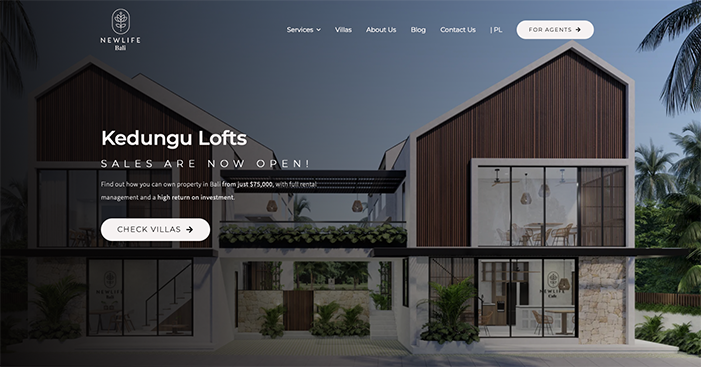
Features We Develop
Explore the features we implemented on the New Life Bali website to enhance user experience
Multilingual Support
The website is available in both English and Polish to accommodate international visitors and potential clients.
Figma to WordPress
The design was fully customized and developed according to a Figma-based UI layout provided prior to development.
Responsive Design
Automatically adjusts to different screen sizes for a smooth and consistent browsing experience.
Villa Listings
Enables visitors to view comprehensive details of each property available for sale or rent.
Blog
The blog page was customized based on the Figma design and applied consistently across all published blog posts.
Data Room
Enables the team to efficiently organize and share documents with registered website users or subscribers.
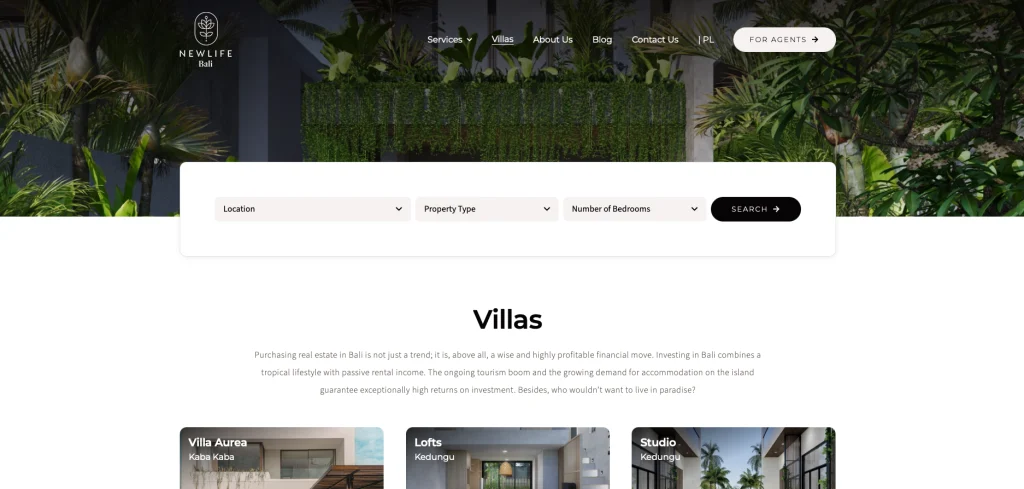
Villa Listings
This page allows visitors to browse the list of villas available at New Life Bali. They can filter the listings and view detailed information for each villa.

Listing Filter
Allows users to narrow down search results by location, property type, and number of bedrooms for a more personalized experience.
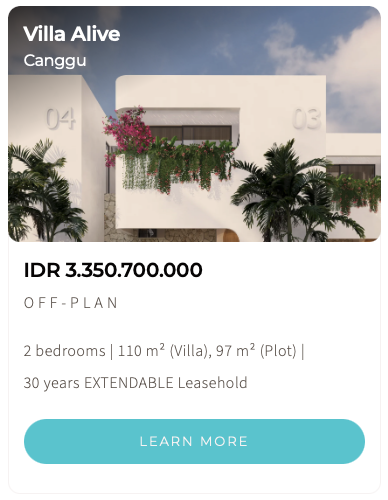
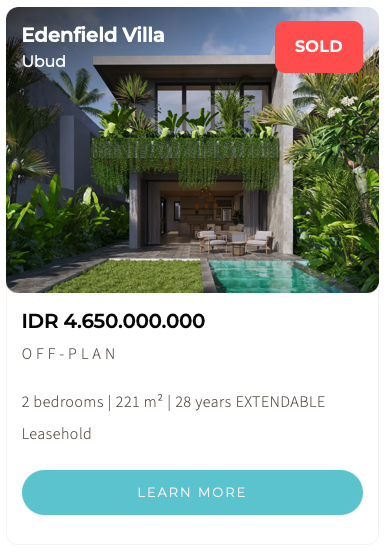
Listing Card
Shows a concise summary of each villa, along with real-time availability status (sold or available), allowing visitors to access important details at a glance.
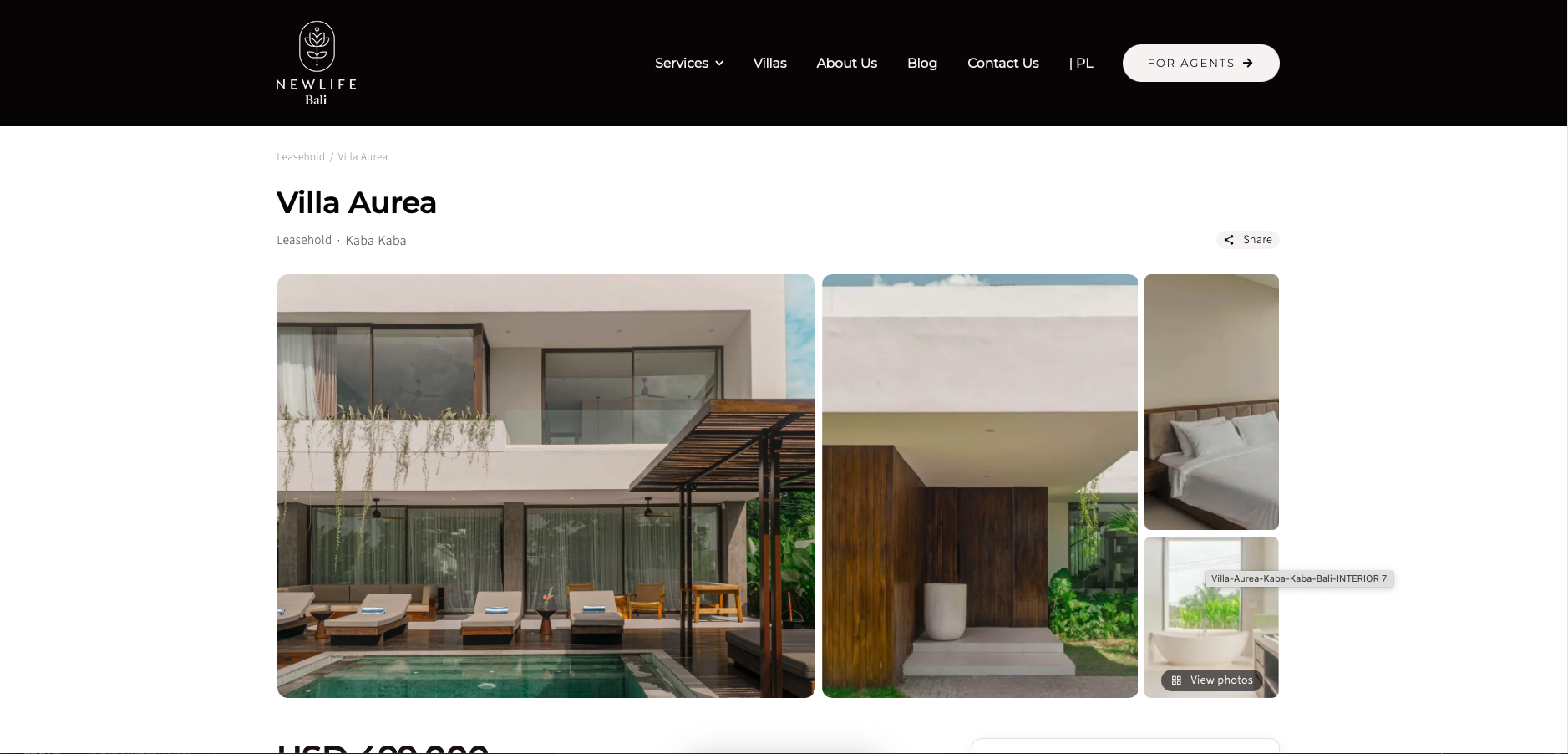
Villa Details (via Custom Post Types)
Displays complete information about each villa, such as name, cost, location, and amenities, structured dynamically from the backend.
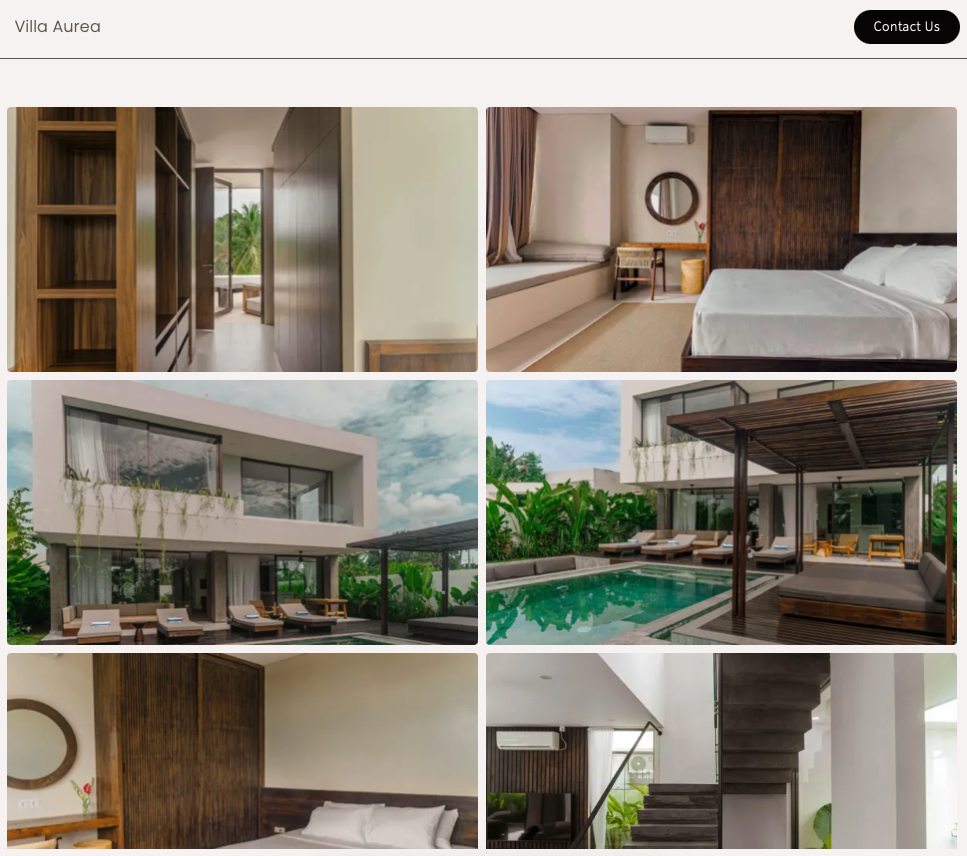
Photo Gallery Pop-up
Allows users to view high-resolution images of the villa in an interactive lightbox, enhancing visual engagement.
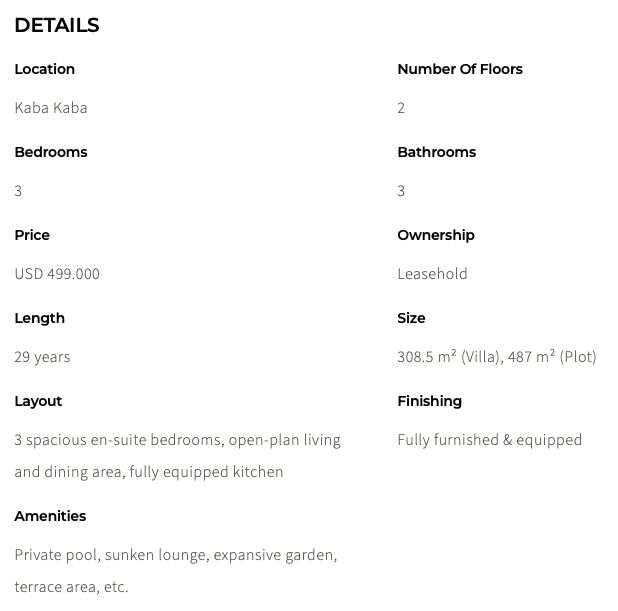
Custom Fields
Provide essential property details like price, size, number of rooms, and interior finishing—giving visitors the insights they need to evaluate each villa.
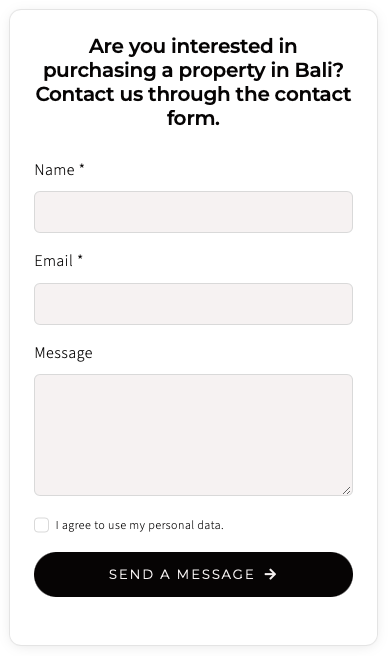
Sticky Form
Enables visitors to express interest and reach out to the New Life Bali team directly via email.
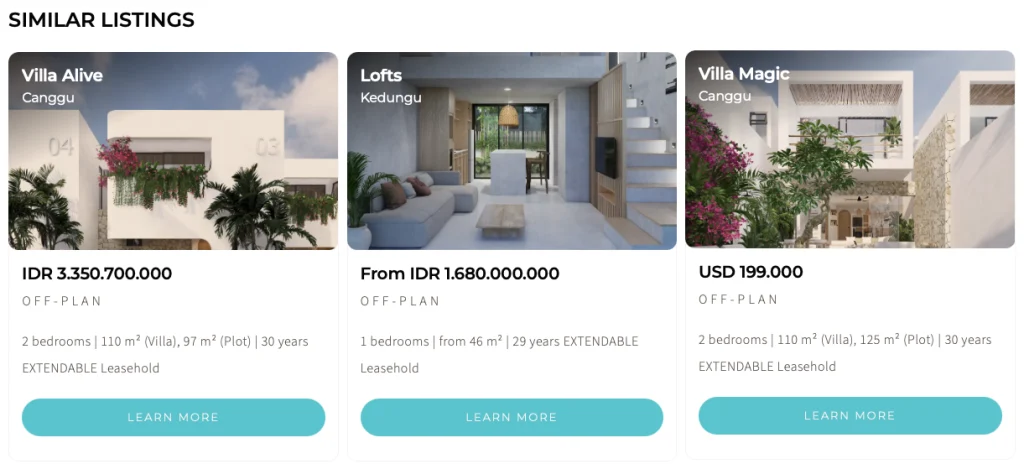
Related Villas
Suggests other available properties to visitors, making it easier for them to compare options and decide with confidence.
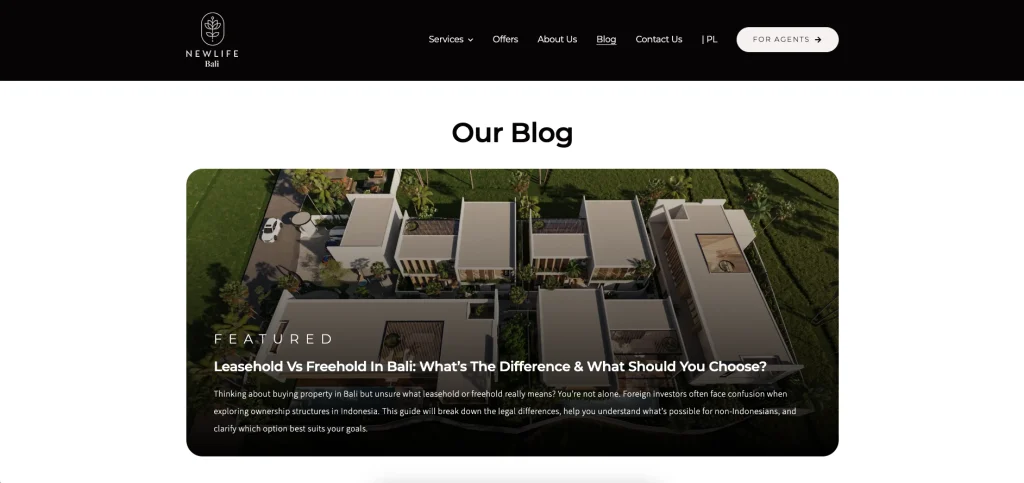
Blog
Displays a full list of blog posts, with highlighted featured content shown prominently at the beginning of the page.
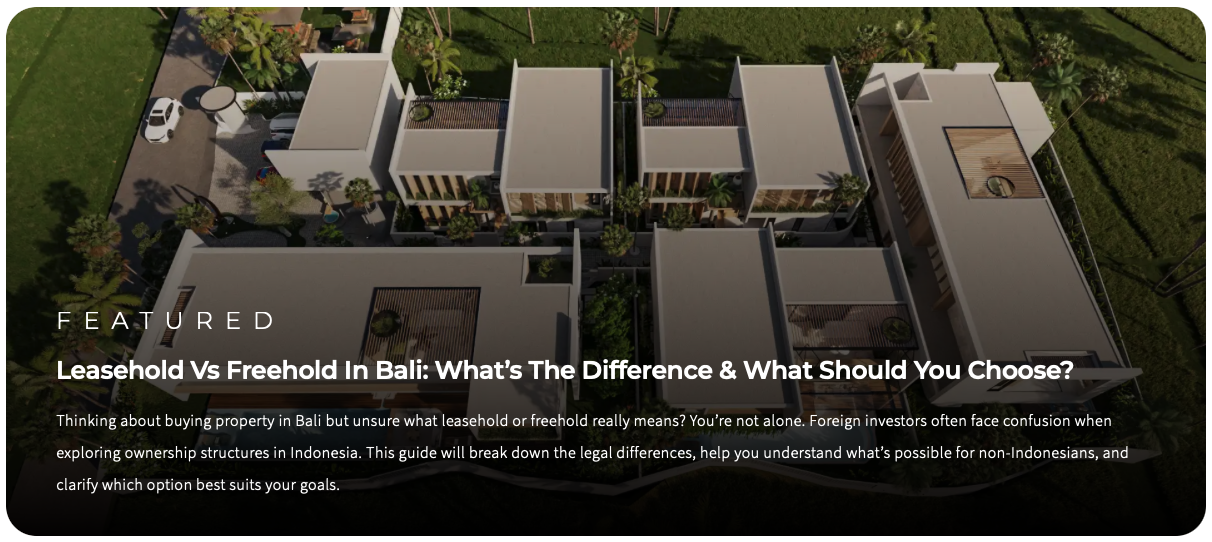
Featured Post
Automatically updates with the newest blog post, showing the title, brief summary, and featured image without manual changes.
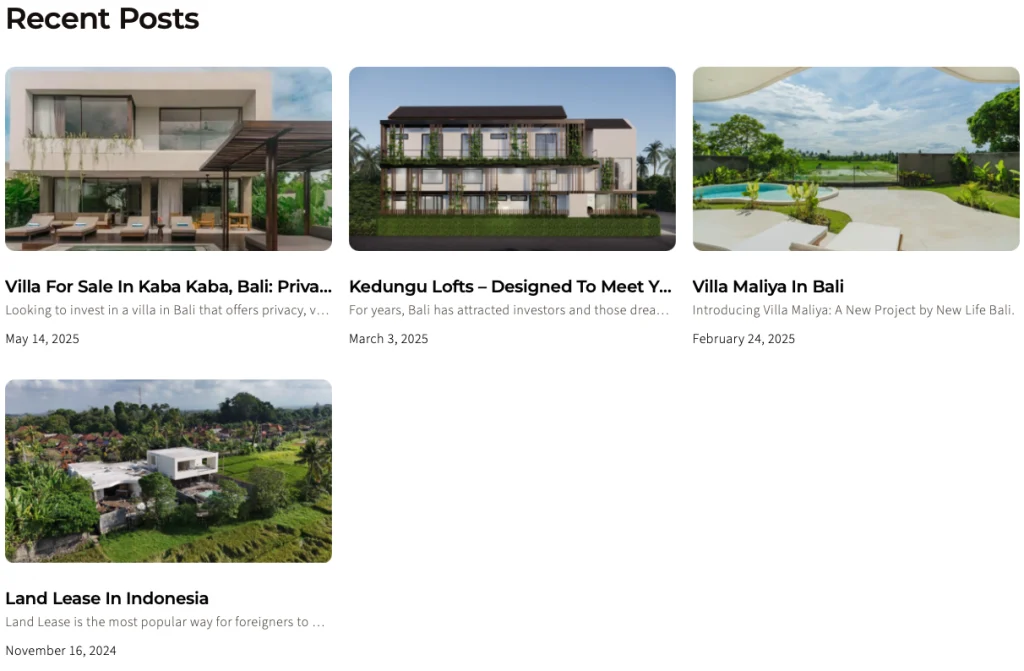
Post Card
Displays published blog entries with concise information—title, short excerpt, and publication date—to help visitors browse content efficiently.
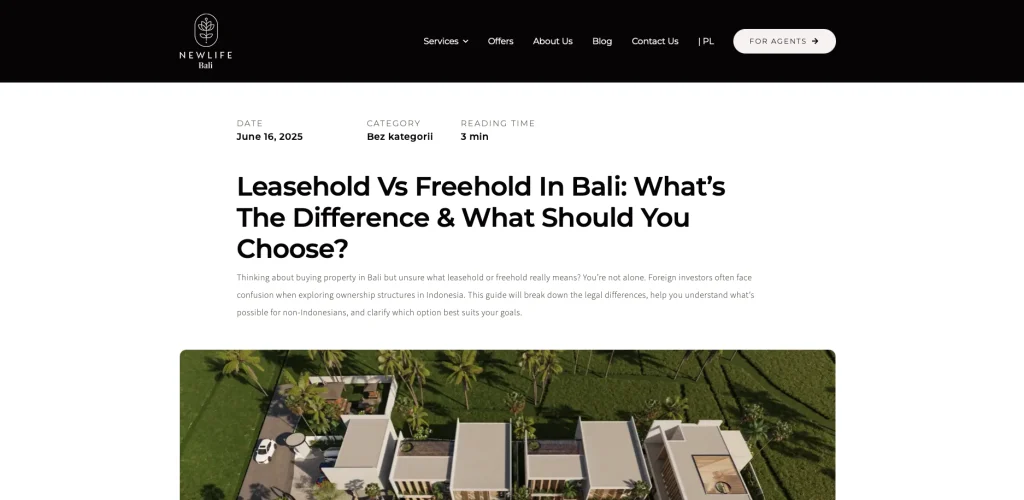
Single Blog Template
Ensures every blog post follows a consistent layout, enabling faster content updates and a uniform reader experience.

Post Meta
Shows key article details—publication date, category, and reading time—for better content context and readability.

Sticky Share Article
Enhances shareability by staying visible as readers scroll, enabling quick content sharing across multiple platforms.
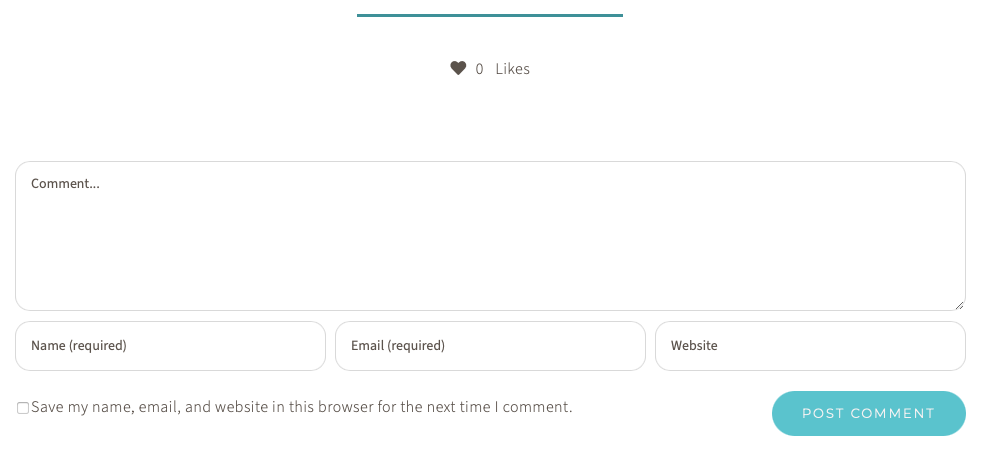
Like & Comment
Readers can like articles with a single click—no login required. Commenting, however, requires users to log in to the New Life Bali website.
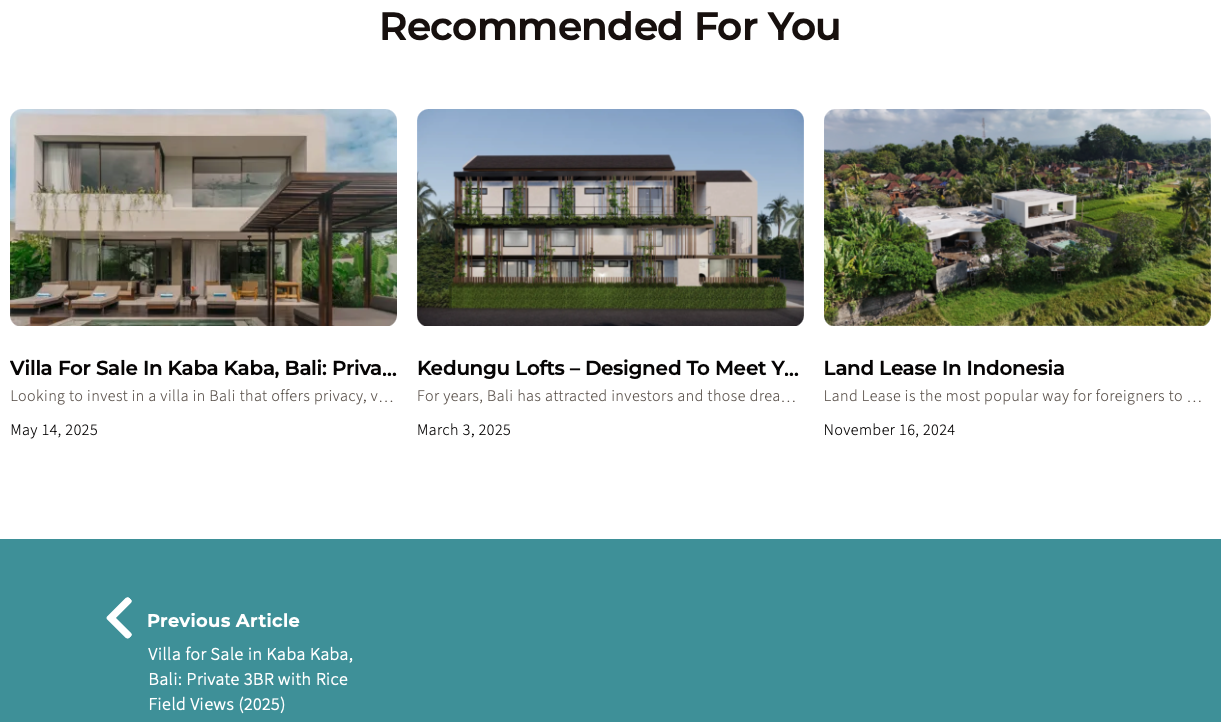
Recomendation, Previous & Next Article
Encourages continued reading by showing additional articles and providing next/previous navigation at the bottom of each post.
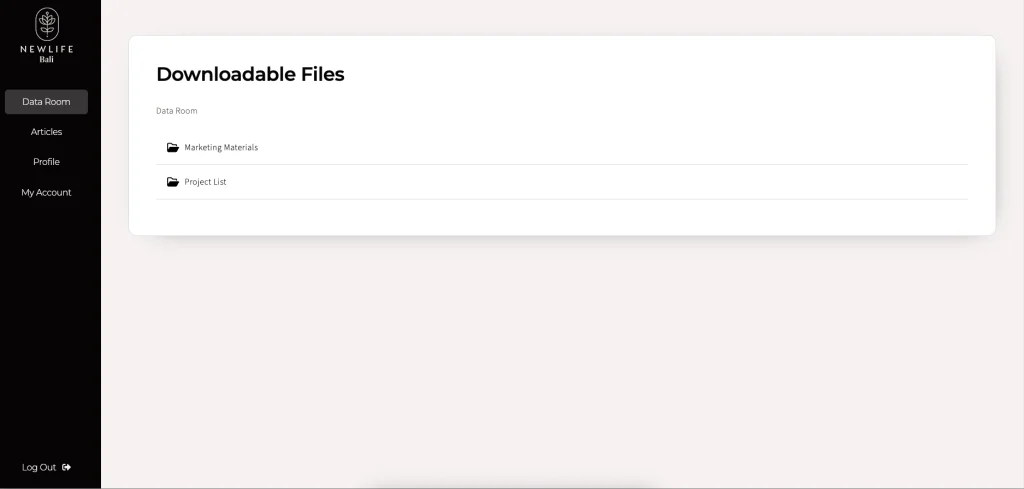
Data Room
The Data Room provides the New Life Bali team with the ability to manage and share marketing-related files with their agents. Specifically, the team can perform the following actions within the Data Room:
1. Upload, delete, move, or hide files from agent access.
2. Upload, create, delete, or rename folders.
3. View all registered members.
Quick Button
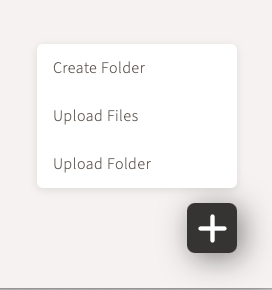
Inside the Data Room, admins are presented with a floating quick-access button in the bottom-right corner, offering shortcuts to create folders, upload folders, or upload individual files.

Folder Options
Admins can duplicate, hide, rename, or permanently delete a folder and its contents directly from the interface.

File Options
Admins can preview, download, hide, move, or delete files directly from the file options menu.
Registration & Login via Google Account
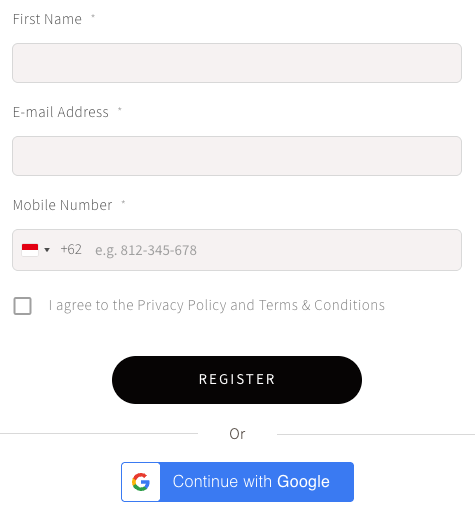
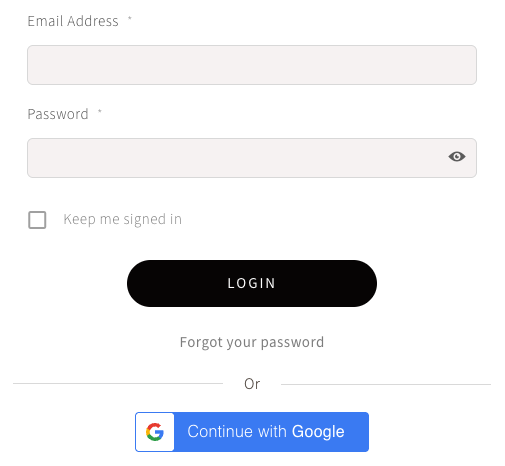
Visitors must register to access the Data Room, with the option to sign up via form or using their Google account for convenience.
Now It’s Your Turn
Grow your business with a professional website from VRDA. Contact us now to get an attractive offer and free consultation.
Similar Projects
Discover other projects that can provide solutions and inspire new ideas for your company’s website needs today.
-
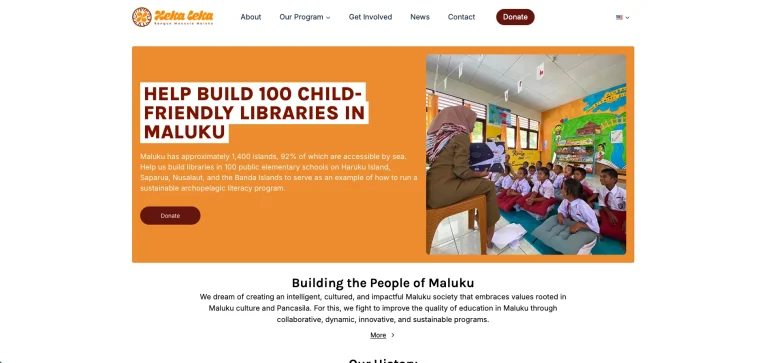
Heka Leka Website Redesign
Hekaleka is a non-profit organization dedicated to developing an intelligent, cultured, and impactful Maluku community, based on values rooted in Maluku culture and Pancasila. The Heka Leka website currently receives 500 monthly visitors, and this number is expected to continue growing.
-
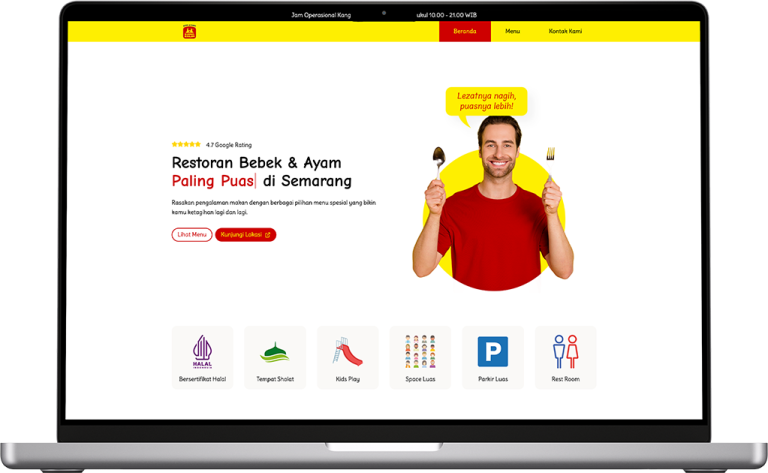
Kang Salim Ducks & Chickens Restaurant Website Development
VRDA helped Kang Salim develop a website that displays the menu, integrates with Google Maps, and provides other important information.
-
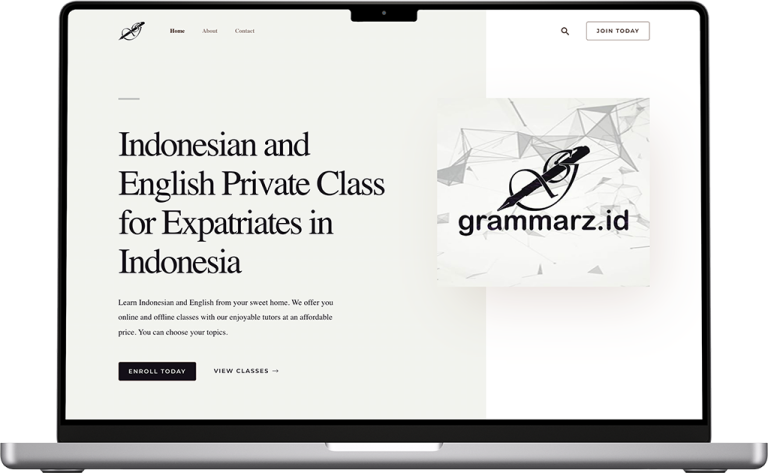
Grammarz Web Development
Grammarz is a business which focuses on educating Indonesian and English languages for expatriats in Semarang, Indonesia. The majority of its clients are foreigners, coming from South Korea, Ukrain, and Japan.