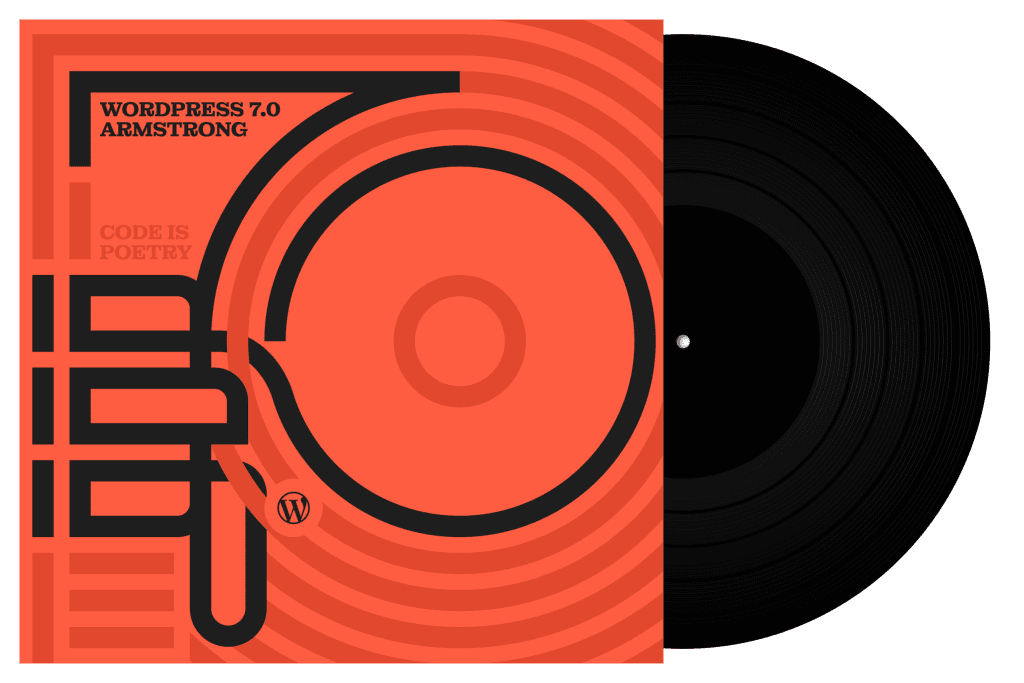


WordPress 7.0 “Armstrong” is shaping up to be one of the most important WordPress releases in recent years. While previous updates focused heavily on editor refinements, performance improvements, and Full Site Editing, WordPress 7.0 introduces something much bigger: a native AI infrastructure built directly into the platform itself.
The release brings a wide range of changes, including AI-powered workflows, a redesigned admin experience, new developer APIs, and deeper Gutenberg integration. But more importantly, it signals a broader strategic shift in how WordPress sees its future — not just as a traditional content management system, but as a modern publishing and website platform designed for the AI era.
With WordPress powering a significant portion of the web, changes at the core level often have ripple effects across the entire ecosystem. Plugin developers, theme creators, agencies, content publishers, and hosting providers will all likely feel the impact of this release in different ways.
In this article, we’ll explore the biggest features introduced in WordPress 7.0 “Armstrong,” what they mean for users and developers, and why this release could become one of the most transformative updates since the introduction of Gutenberg.
Native AI Infrastructure
The biggest headline feature in WordPress 7.0 is undoubtedly its new native AI infrastructure. Unlike many platforms that simply add AI writing tools as standalone features, WordPress is taking a much more foundational approach by introducing an extensible AI layer directly into the core ecosystem.
At the center of this initiative are several new components, including the AI Client, Abilities API, and AI Connectors system. Together, these features create a standardized framework that allows plugins and services to integrate AI capabilities more consistently across WordPress sites.
This is a significant shift because WordPress is not treating AI as a temporary trend or optional add-on. Instead, it is building infrastructure that could support a long-term AI-powered ecosystem for publishing, content management, and website workflows.
A Provider-Agnostic AI Architecture
One of the most interesting aspects of the new system is its provider-agnostic design. Rather than locking developers into a single AI provider, WordPress allows integrations with multiple services such as OpenAI, Anthropic, Gemini, or even self-hosted local language models.
In practice, this means plugin developers can build AI-powered features without rewriting their entire logic for every AI provider. The architecture works similarly to other abstraction layers commonly used in software development, such as payment gateways or cloud storage adapters.
This approach gives developers more flexibility while also making the ecosystem more future-proof as AI technologies continue evolving rapidly.
Official AI-Powered Features
WordPress 7.0 also introduces several official AI-assisted capabilities, including:
- AI-generated excerpts
- AI-generated titles
- Suggested image alt text
- AI-assisted content workflows
- Image generation integrations
One particularly interesting implication of these AI-powered features is how they could simplify SEO workflows for publishers and content teams. Features such as AI-generated excerpts, suggested alt text, and AI-assisted title generation can help users optimize content more efficiently without relying entirely on SEO optimization processes.
For example, automatically generated image alt text may improve accessibility and image SEO, while AI-assisted excerpts and titles can help streamline metadata creation for articles and landing pages. Although human review will still remain important for quality and accuracy, these tools could significantly reduce repetitive SEO tasks for content-heavy websites.
Over time, this may allow WordPress to evolve into a more SEO-aware publishing platform with AI-assisted optimization built directly into the core experience.
Admin Dashboard Redesign
Another major highlight of WordPress 7.0 is the redesigned admin dashboard experience. While the changes may appear subtle at first glance, the update represents a broader effort to modernize how users interact with WordPress on a daily basis.
For years, the WordPress admin area has remained largely functional but visually outdated compared to modern SaaS platforms and website builders. With WordPress 7.0, the platform begins moving toward a cleaner, faster, and more application-like interface.
WordPress 7.0 Offers a More Modern User Experience
The updated dashboard introduces improvements to navigation, layout consistency, visual hierarchy, and interaction patterns. WordPress now feels significantly more streamlined, especially for users who spend hours managing content, themes, plugins, and editorial workflows.
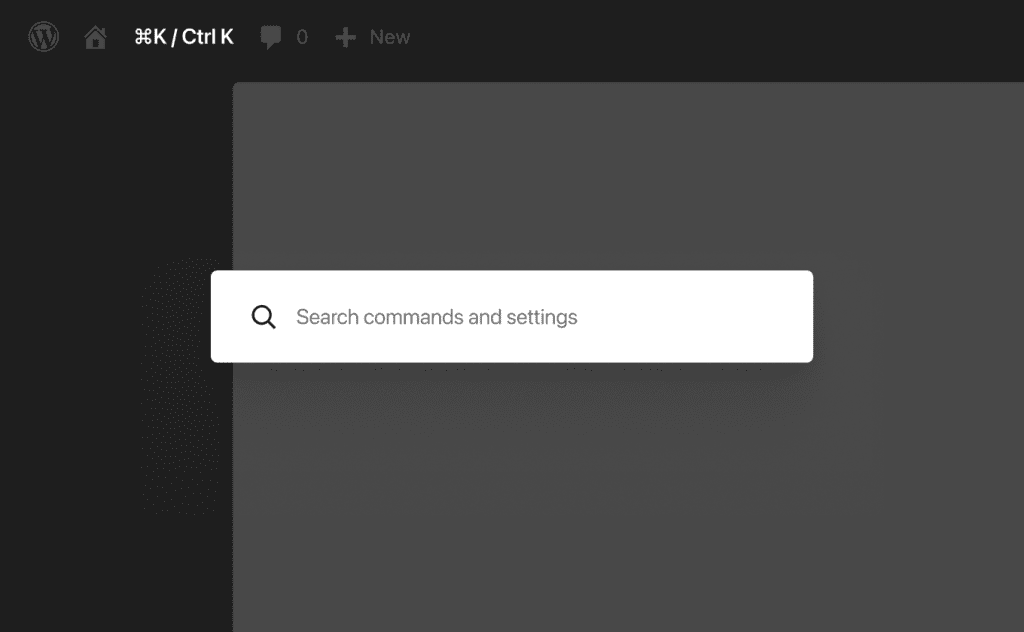
One of the most noticeable additions is the expanded command palette functionality, allowing users to quickly navigate different sections of the dashboard using keyboard shortcuts and contextual search. This helps reduce friction and makes large WordPress sites easier to manage.
The redesign also improves transitions and responsiveness throughout the admin interface, creating a smoother overall experience that feels more aligned with modern web applications.
Full Site Editing Continues to Expand
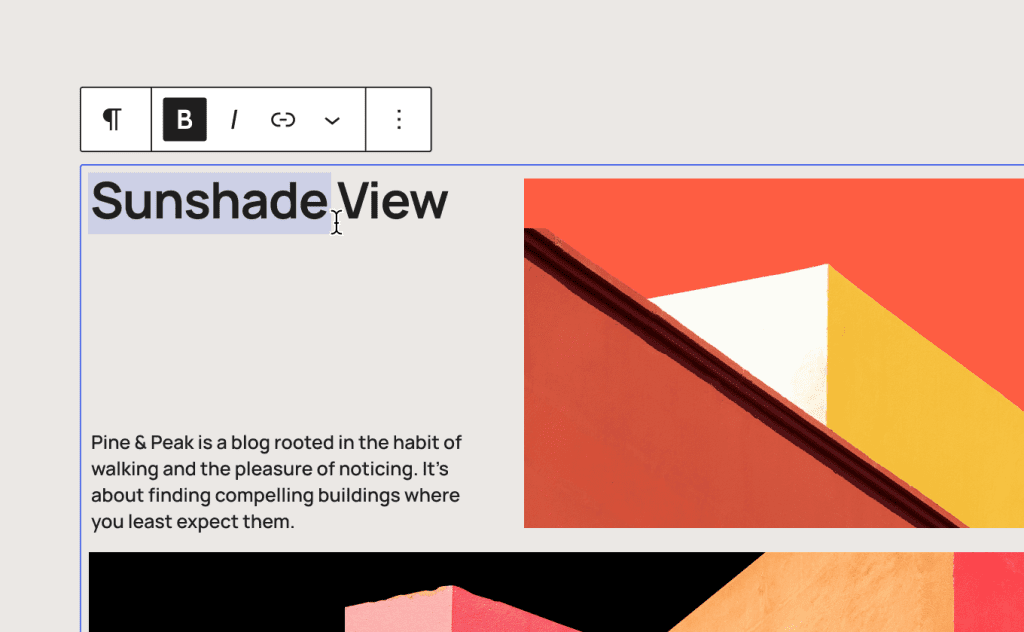
Full Site Editing (FSE) receives additional refinements in WordPress 7.0, making it easier for users to customize headers, footers, templates, navigation, and global styles directly inside the editor.
The long-term goal appears to be reducing the separation between:
- content editing,
- theme customization,
- and site management.
Instead of jumping between multiple admin screens, WordPress is gradually consolidating more functionality into a unified visual editing environment.
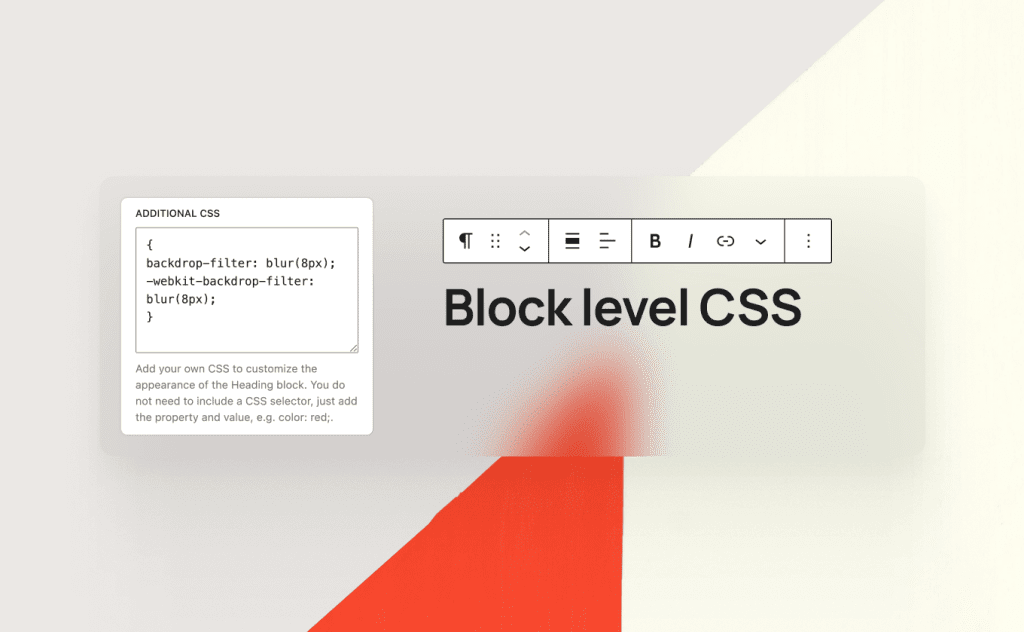
Another notable improvement is the ability to add custom CSS directly at the block level. This gives users and developers more precise control over styling without relying entirely on external stylesheets or large amounts of global CSS.
Block-level CSS customization can be especially useful for:
- fine-tuning individual layouts,
- creating reusable visual variations,
- improving design flexibility,
- and reducing unnecessary styling complexity across entire themes.
For developers and advanced users, this represents another step toward a more modular and component-based editing experience inside WordPress.
Other Notable Updates in WordPress 7.0
Beyond AI infrastructure and Gutenberg improvements, WordPress 7.0 also introduces several smaller but still meaningful updates that improve performance, customization, and the overall development experience.
While some of these changes may not receive as much attention as the headline features, they contribute to the broader modernization of the platform.
Better Performance and Workflow Optimization
WordPress 7.0 includes multiple under-the-hood optimizations aimed at improving responsiveness and editing performance.
These improvements help:
- reduce interface lag,
- streamline content workflows,
- improve navigation responsiveness,
- and create a smoother editing experience overall.
Although many of these updates are incremental, they become noticeable for users managing large or content-heavy websites.
Continued Push Toward Modern PHP Standards
Another important update is WordPress’ ongoing move toward more modern PHP compatibility and development practices.
As the platform gradually increases its baseline requirements and embraces newer PHP standards, developers can take advantage of:
- better performance,
- cleaner code structures,
- improved security,
- and modern language features.
This also signals that WordPress is becoming more willing to reduce long-term technical debt that has historically slowed down modernization efforts.
Expanded Design Flexibility
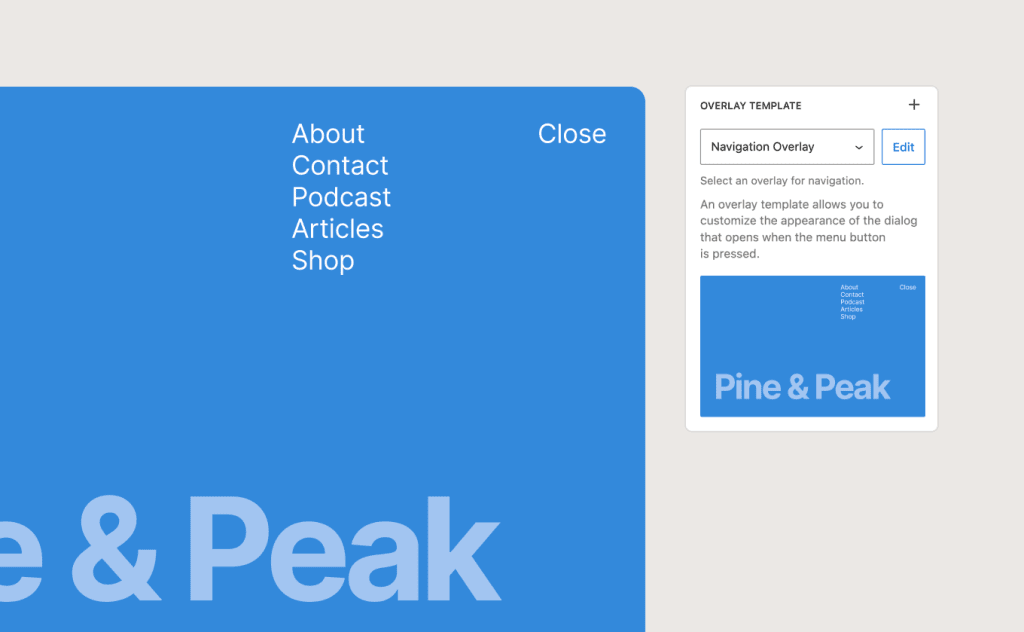
WordPress 7.0 continues improving the visual customization experience through:
- better block controls,
- more flexible layouts,
- enhanced style management,
- and improved design consistency tools.
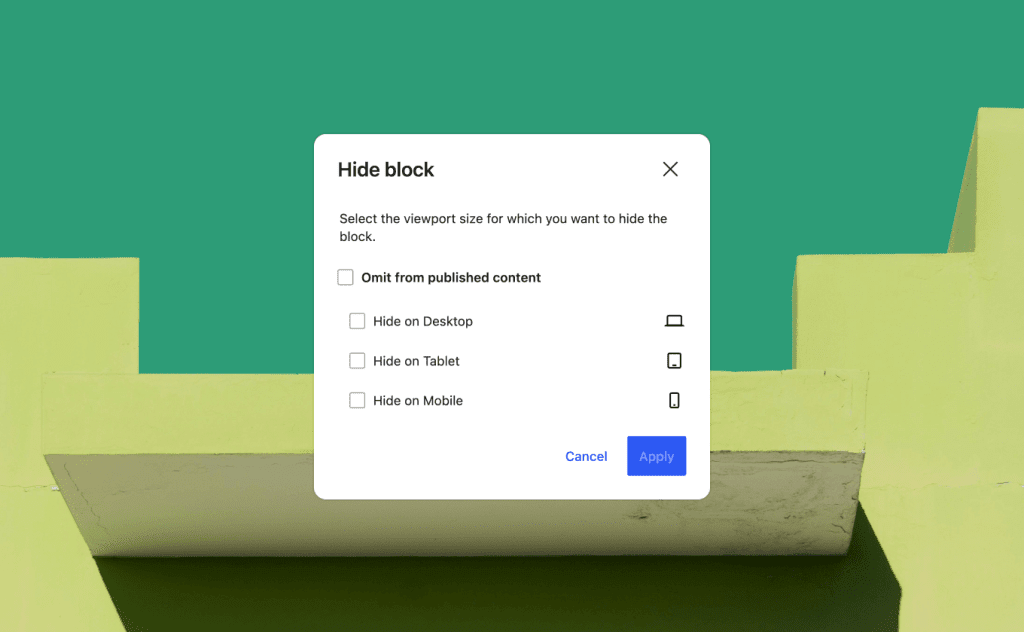
Combined with the ability to add CSS directly at the block level, users now have significantly more control over how content is styled without relying heavily on external page builders or custom theme modifications.
Conclusion
WordPress 7.0 “Armstrong” is more than just another major update. It represents a clear shift in the platform’s long-term direction — one that focuses on AI integration, modern editing experiences, and a more application-driven approach to website management.
From its new native AI infrastructure to ongoing Gutenberg expansion and the redesigned admin experience, WordPress is steadily evolving beyond its origins as a traditional blogging CMS. The platform is positioning itself as a modern publishing ecosystem capable of supporting increasingly dynamic workflows, smarter automation, and more flexible site-building experiences.
For developers, agencies, and content creators, this release also sends an important message: the WordPress ecosystem is continuing to move toward block-first development, AI-assisted workflows, and modern interface standards. While legacy workflows will not disappear overnight, the future direction of the platform is becoming increasingly difficult to ignore.
At the same time, WordPress 7.0 shows a surprisingly mature approach to innovation. Instead of rushing every experimental feature into production, the project appears focused on building long-term foundations that can scale across millions of websites.
Whether all of these changes will be fully embraced by the community remains to be seen. However, one thing is clear: WordPress is preparing for a very different future — and WordPress 7.0 may ultimately be remembered as one of the most important transition points in the platform’s history.